
Before canceling/deleting the game session. Consider just backing out of it. Others might still want to hold the game session anyways. If you do this, use an @all with a message letting them know you had to leave so they aren't caught off guard.
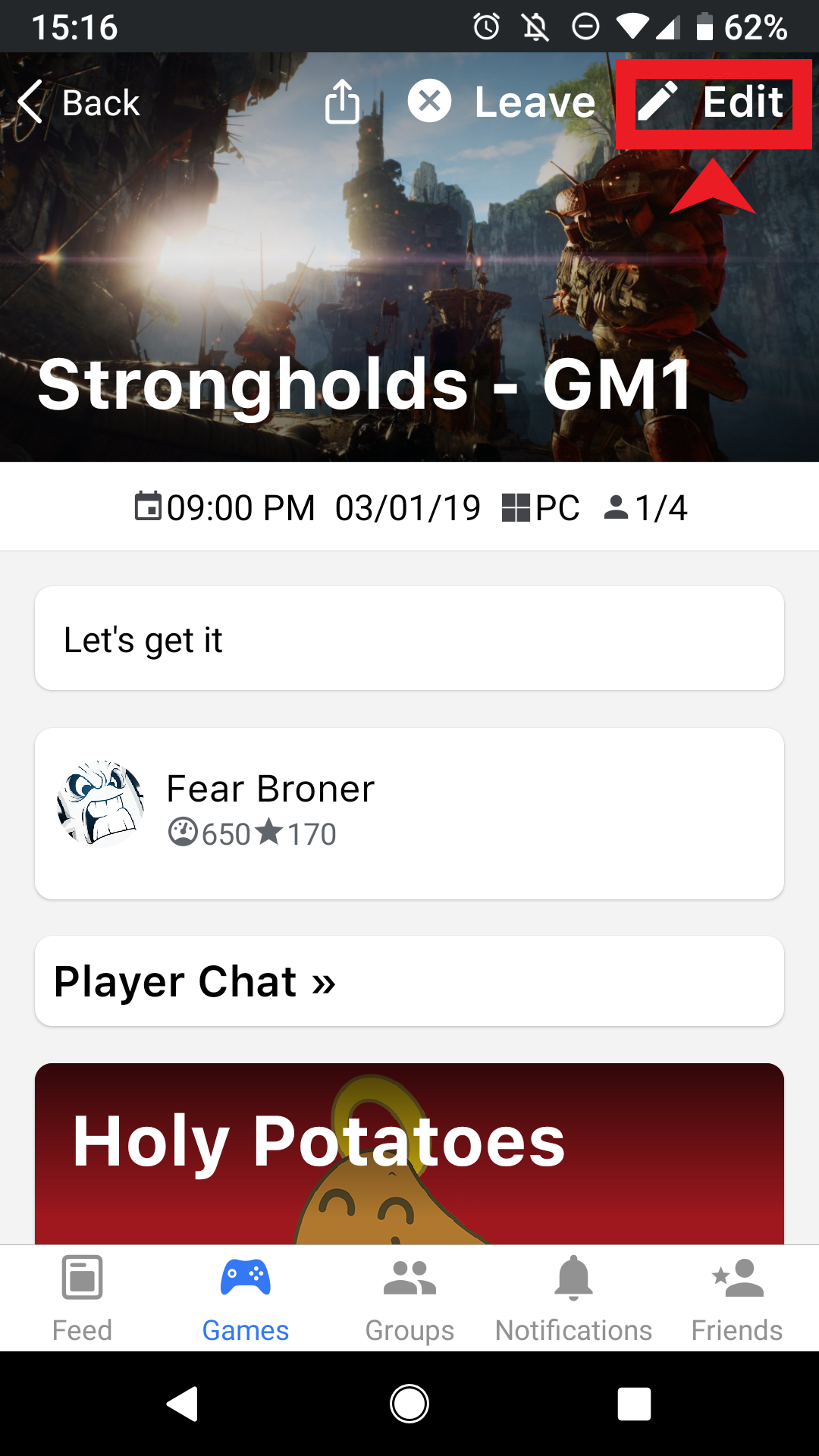
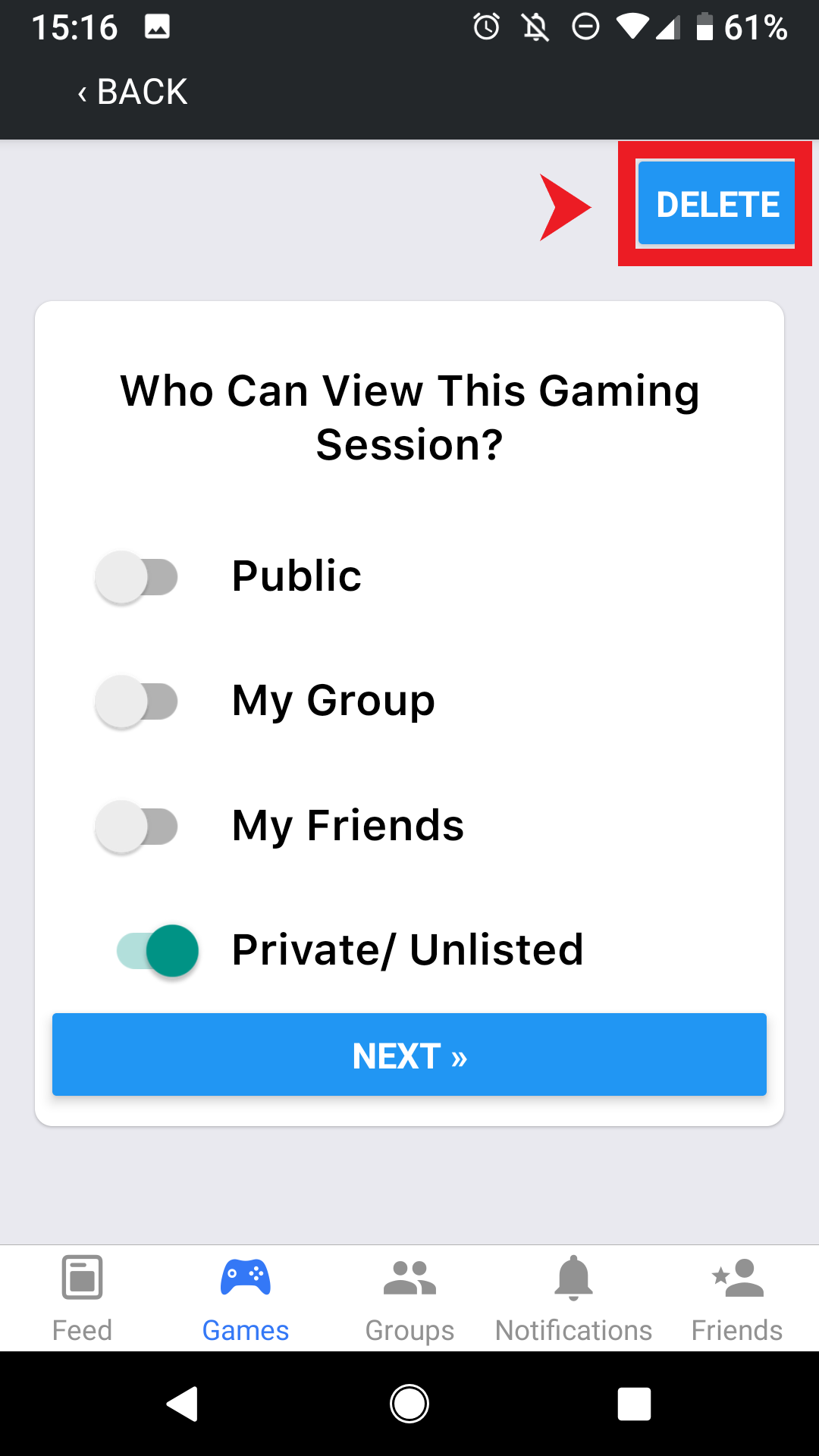
Canceling from the App
- Click the games tab
- Click "My Games"
- Click the game session you wish to delete
- Click edit
- Click delete
Canceling from the Web
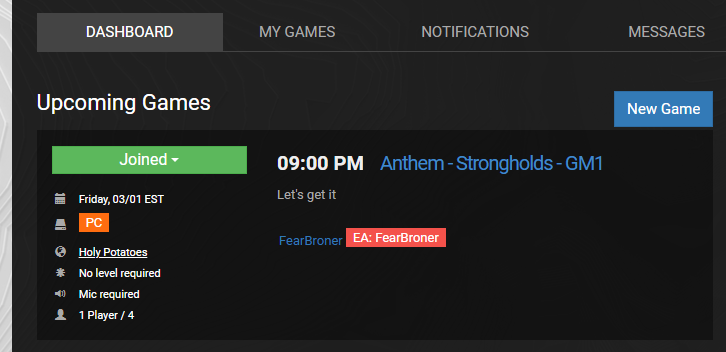
- Navigate to your dashboard.
- Click the game session you wish to delete
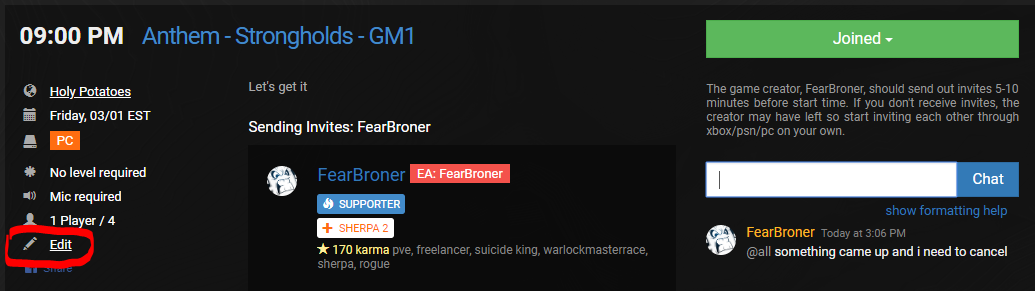
- Use @all in the game session chat to notify the other users you need to cancel
- Say something like "@all sorry something came up and I won't be able to make it"
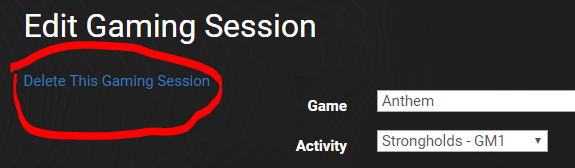
- Click edit game
- Click Delete
Comments
0 comments
Please sign in to leave a comment.